Improve your Musicproduction Workflow with Hardware that supports you from start to finish
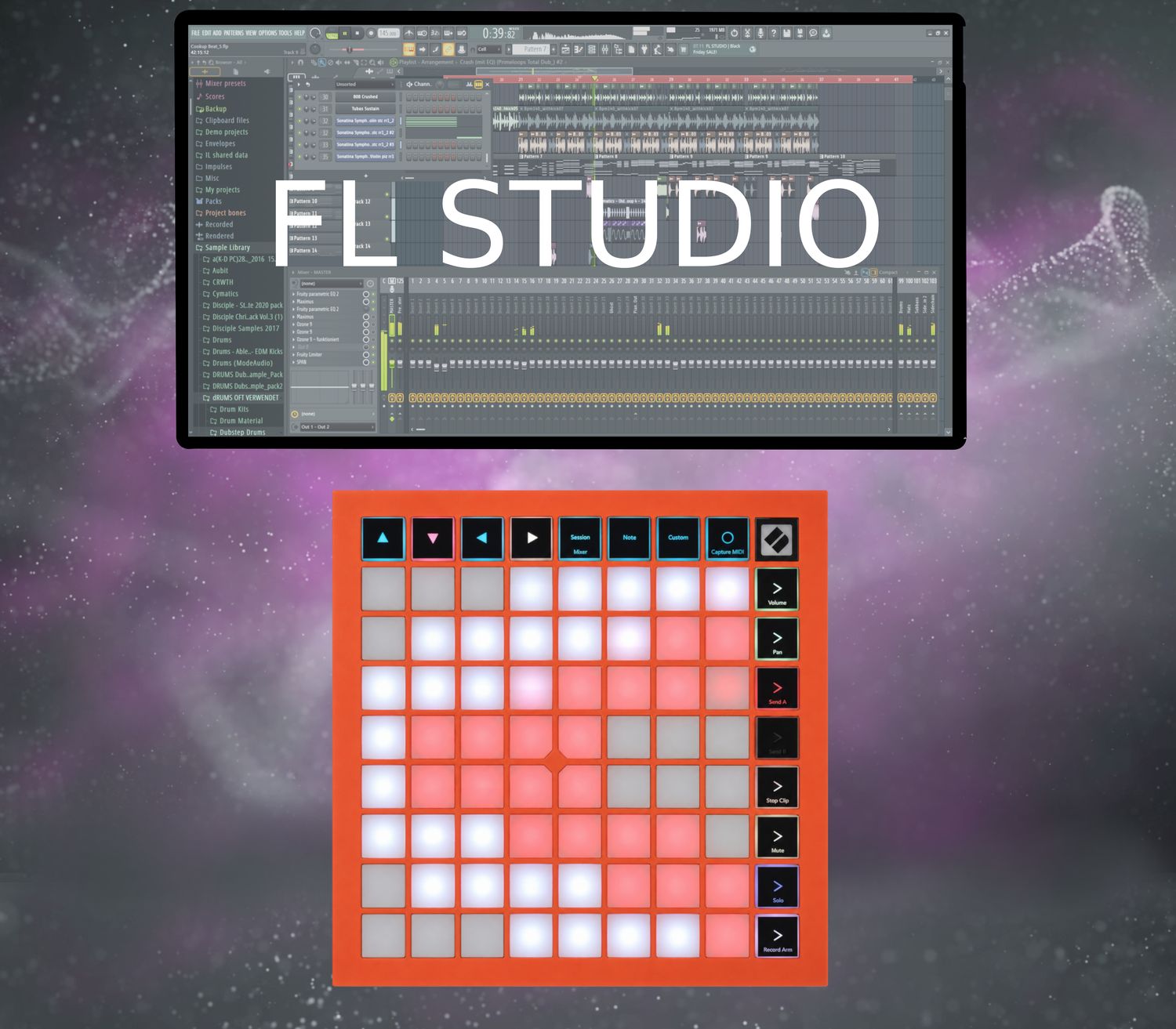
Faster Workflow with the Akai MPD232 in FL Studio.
Get the deepest possible control over FL Studio with a MIDI-controller
Almost no need to use your keyboard or mouse.
Features:
Pads:
- Omni Channel Feature: Trigger the C5 Note of every Channel (Useful for Finger Drumming)
- Note Mode: Play the cromatic scale.
- Step Sequencer Mode: Set Sequencer Steps directely in to the selected Channel of the Channel Rack
- Open all the Plugins that are controlable with the Knobs in view related mode.
static or view related controls of Knobs and Faders
view related features:
Knobs:
- Plugin Control of often used FL Studio Stock FX and Generator Plugins.
- Plugin Control of Serum and SerumFX by XferRecords
- Mixer Control
- ChannelRack Control
- Playlist Control (Navigation)
Fader:
- Mixer Fader Control:
-- Fader Bank Split: For Volume Control in 2 different Sections of the MixerView
- ChannelRack:
-- Channel Volume Control
Switches:
- Native Windows commands:
-- Ctrl + C,
-- Ctrl + V,
-- Ctrl + X,
-- Ctrl + S
-- Open the folder of your saved FL Studio Projects with one switch press,
-- navigate and load your FL Studio Project directely from the MPD232
We believe, that music production hardware should make your workflow faster than using your mouse or keyboard.
Otherwise: Why would you use the hardware?
Your MIDI-controller can be as intuitive as it can be, but if it doesn't automate some actions most people end up not using it.
That is why we have the vision to design products to improve your workflow experience as a creator of music.
Our products take the intuitivity of exisiting MIDI-controllers to the next level of faster workflow experience.
Software Products coming soon...